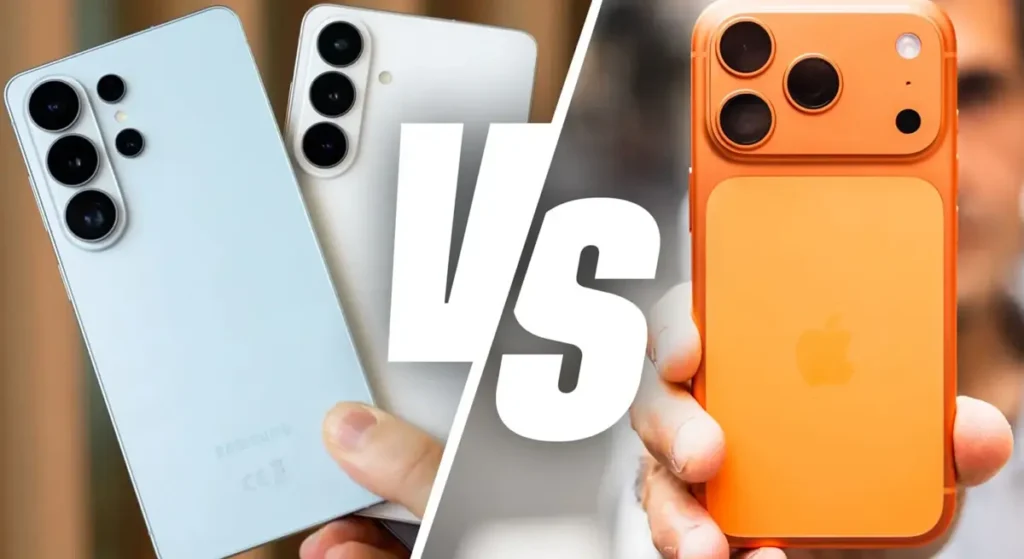


When a major iOS or Android update rolls out, millions of users suddenly notice the same issue, their phone battery starts draining much faster than usual. One day your device lasts all day, the next day you are looking for a charger before lunch. It does not matter whether you use the latest iPhone, a Google Pixel, or a Samsung flagship like the Galaxy S25 Ultra. Fast battery drain after an update is one of the most common problems we see online and in store.
If you are using an iPhone and dealing with this problem often, you can explore dedicated repair options on our iPhone Repairs Hobart hub. The good news is that most causes of rapid battery drain are simple and fixable.
Why Your Phone Battery Drains Faster After an Update
After installing a new update, your phone does far more work than it appears. Here is what is happening in the background:
- Re-indexing your data: Your phone reorganizes apps, photos, messages and cached files. This alone can drain battery for 24–48 hours.
- Apps not optimized yet: Some apps take time to update for the new software version, causing background spikes in CPU usage.
- Settings turned back on: Features like Bluetooth scanning, Wi-Fi scanning or precise location may re-activate automatically.
- Ageing battery cells: Older batteries struggle more after updates because the system demands extra processing power.
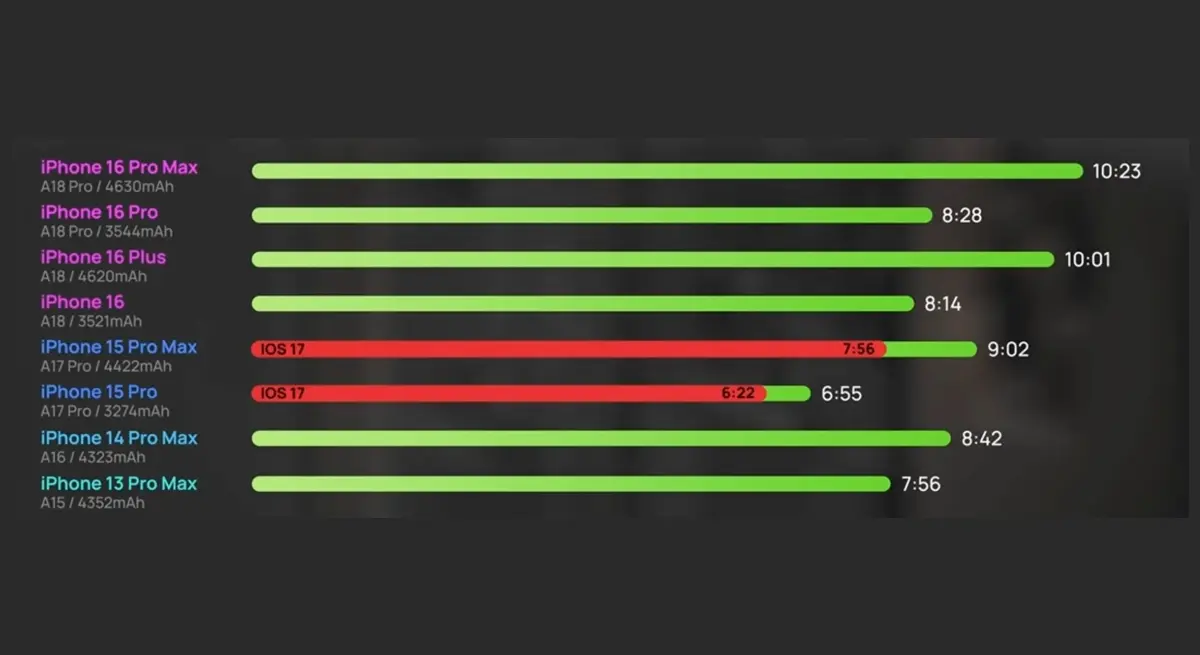
How to Fix Battery Drain After a Software Update
These practical fixes are the same steps we use during diagnostics in store. Start with the software optimizations before assuming the battery itself is failing.
1. Give Your Phone 24–48 Hours
If the drain is caused by post-update indexing, it normally stabilizes on its own within a day or two.
2. Update All Apps
Open the App Store or Google Play Store and update all apps. Outdated apps are one of the biggest causes of unexpected battery drain after updates.
3. Disable Battery-Heavy Background Services
- Turn off Background App Refresh
- Limit apps with “Always” location access
- Disable Wi-Fi & Bluetooth scanning when not needed
Samsung users can follow similar optimization steps found in guides for the Galaxy S24. iPhone users can get deeper diagnostics and repairs through our iPhone Repairs Hobart hub.
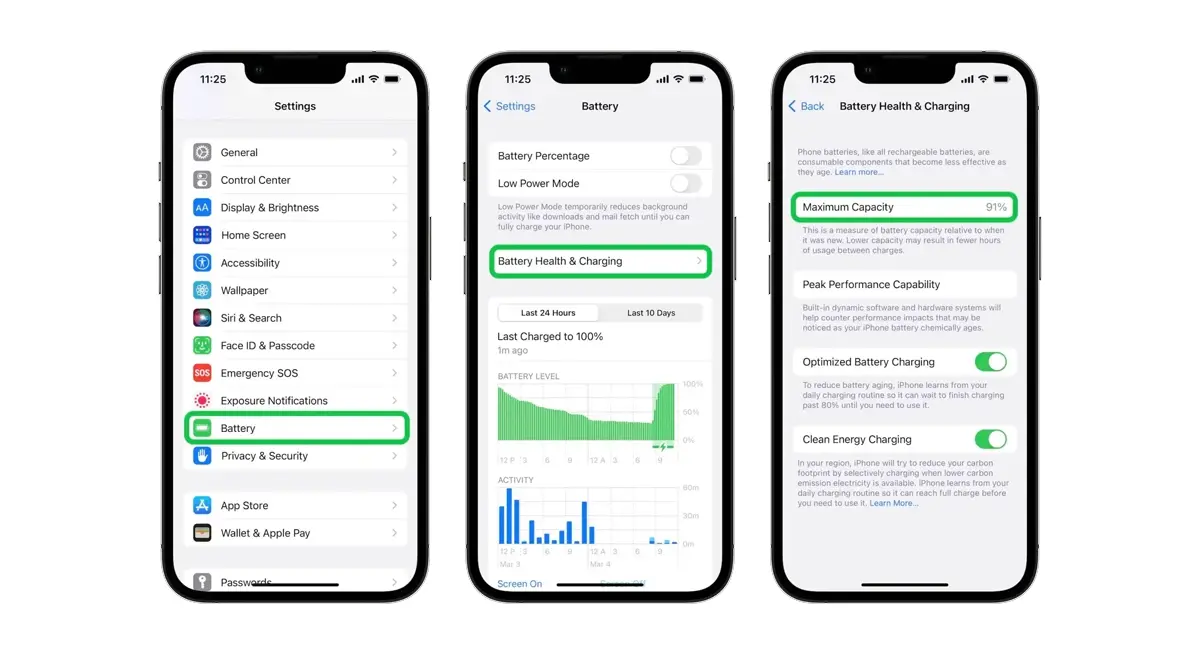
4. Check Battery Health
If your battery capacity has dropped significantly, software tweaks will not restore all-day life. A battery replacement becomes the real solution.
5. Reset Network Settings
This clears corrupted network configurations that can cause excessive background searching for signal.
When Software Fixes Are Not Enough
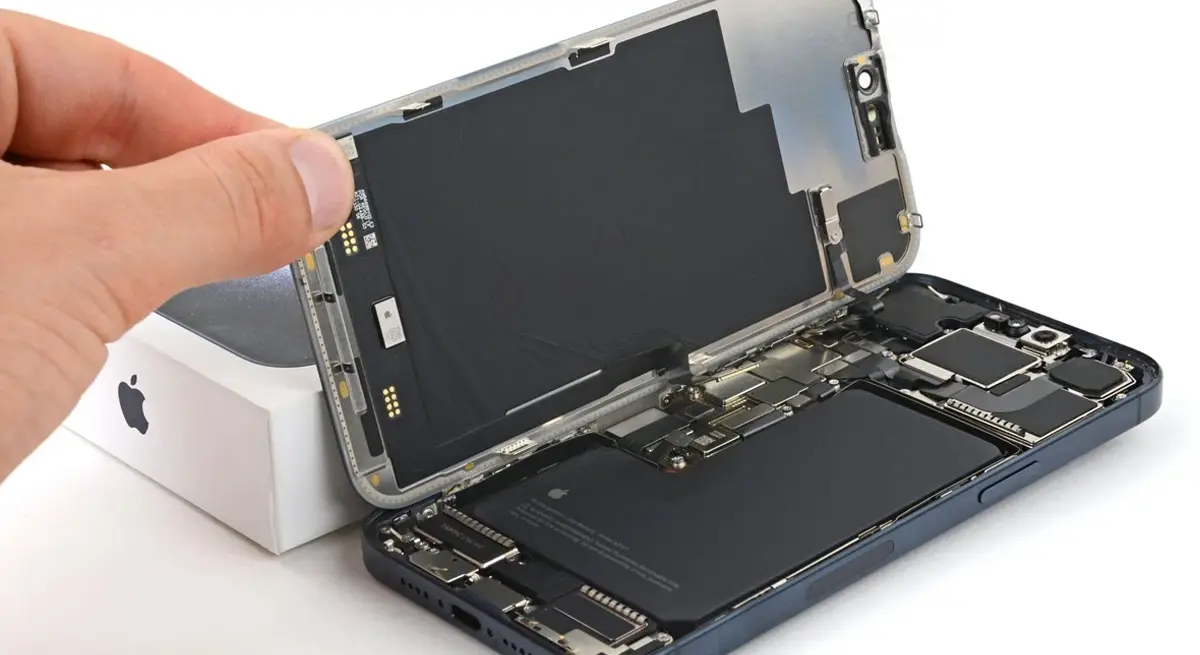
Sometimes the problem is not the update, it is the battery itself. You may need a replacement if you notice:
- Random shutdowns even at 10–20% battery
- Extreme overheating during light use
- Battery drops from 30% to 5% in minutes
- Poor endurance even in Airplane mode
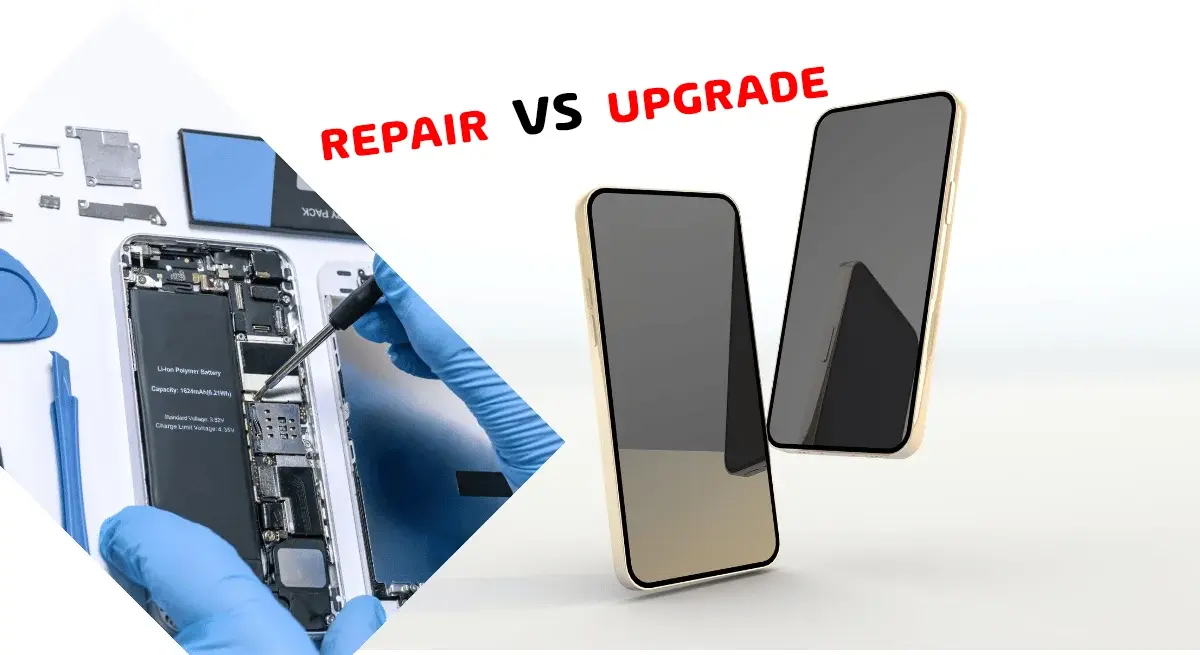
Repairing vs Upgrading, What Makes More Sense?
A good battery replacement can extend your phone’s life by one to three years. Here is a simple comparison:
| Battery Replacement | AUD $120–$295 |
| Full Device Upgrade | AUD $1,000–$2,000+ |
Prevent Battery Problems Before the Next Update
Good battery habits make your phone more resilient with every new software version:
- Keep daily charge levels between 20% and 80%
- Avoid full discharges
- Do not leave your phone in hot cars
- Use high-quality chargers
- Uninstall energy-heavy apps you never use
Need Professional Help?
If your phone still drains quickly even after trying these fixes, it may need a diagnostic test or a battery replacement. You can book a same-day repair at My Touch Repairs, Hobart, backed by a 12-month warranty.
You can also explore our repair hubs:
If you need high-quality chargers, cables or power banks, browse our accessories on the Shop page.
For consumer rights and repair guidance in Australia, visit the ACCC.